
Together makes sense
Keep the places.
And the little details.
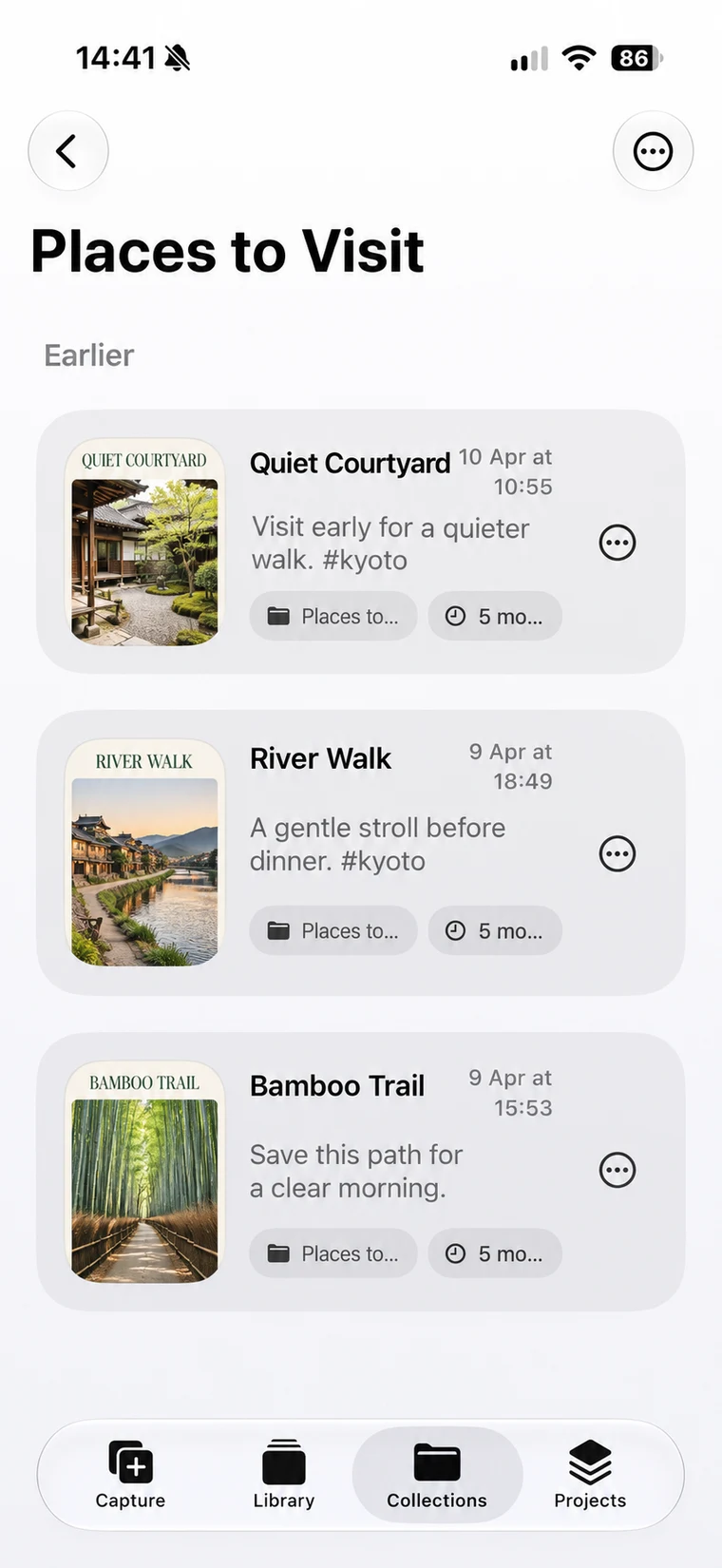
Gather related screenshots in free Collections. Keep the notes that make each one worth saving.
Made for iPhone, iPad & Mac
Turn screenshots into useful memories.
A note, a little context, and a way back to what matters.
Start free. One-time Pro purchase. No subscription.
Send a screenshot to ShotMark from the iOS Share Sheet, or import from Photos.
Keep the reason with a title, a note, a voice memo, or a reminder.
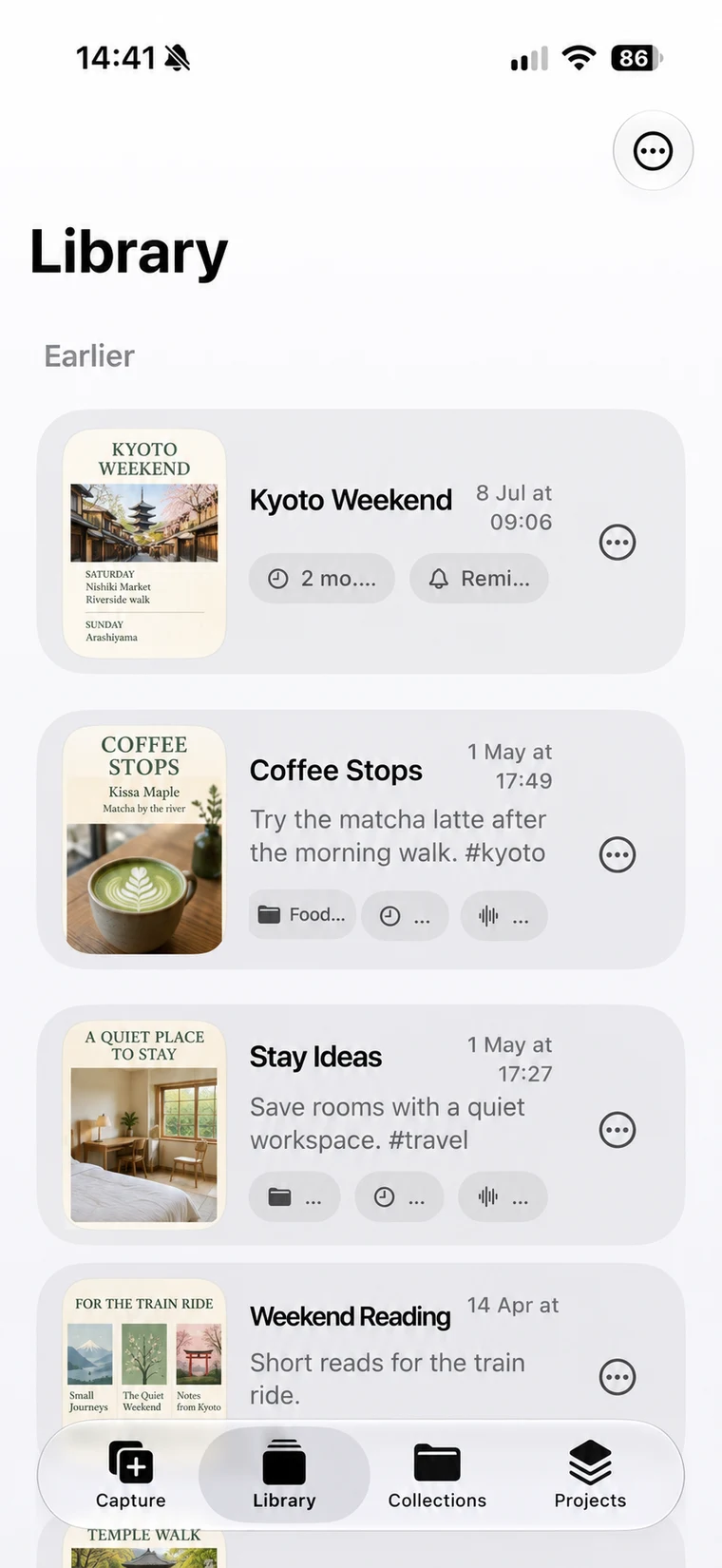
Browse your cards, search your notes, and pick up where you left off.
Capture with context
See something worth keeping? Share it straight to ShotMark, or import it in Capture. Add a note and choose a Collection before you get back to what you were doing.
The screenshot and the reason stay together. No more wondering what you meant to remember.
How to save from the Share Sheet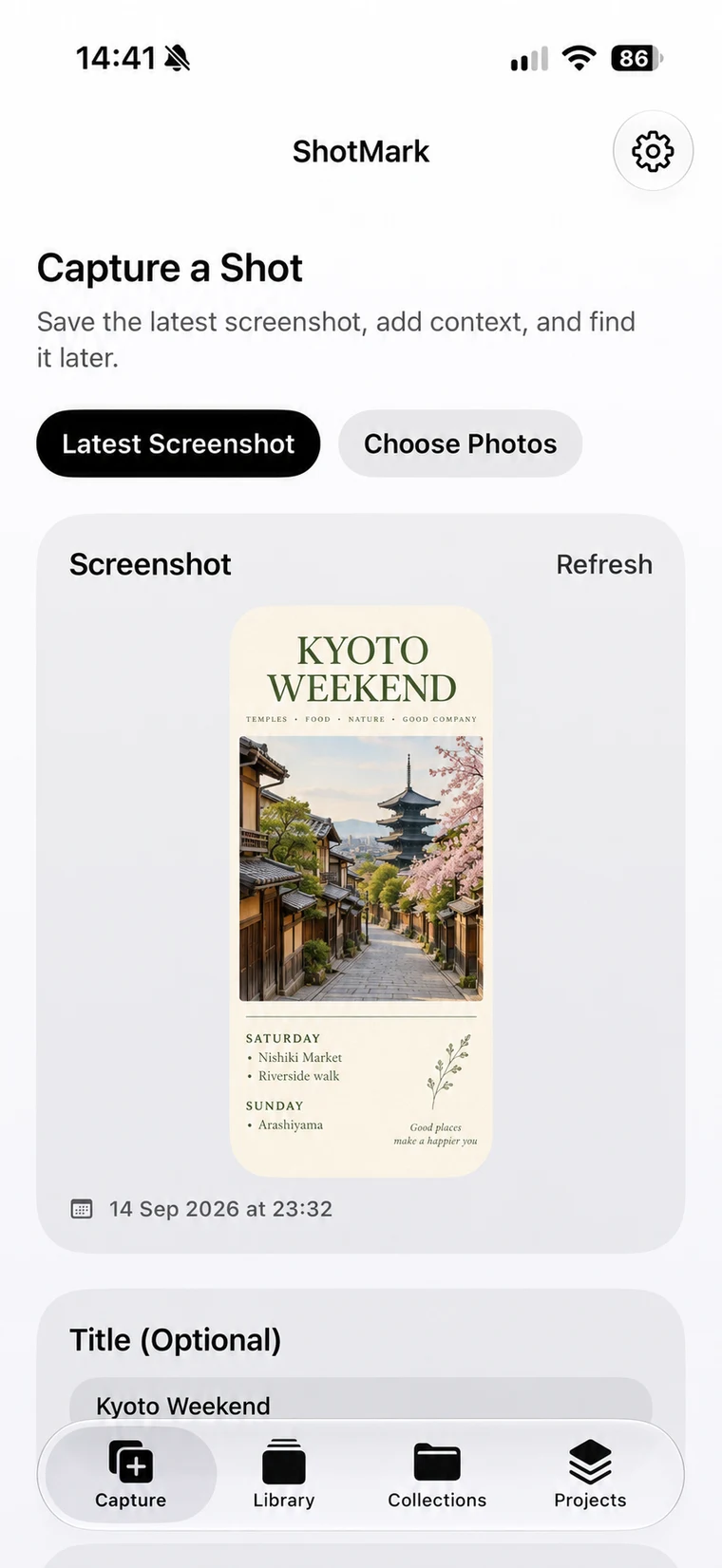
Capture view · illustrative sample content
Together makes sense
Gather related screenshots in free Collections. Keep the notes that make each one worth saving.
A bigger picture · Pro
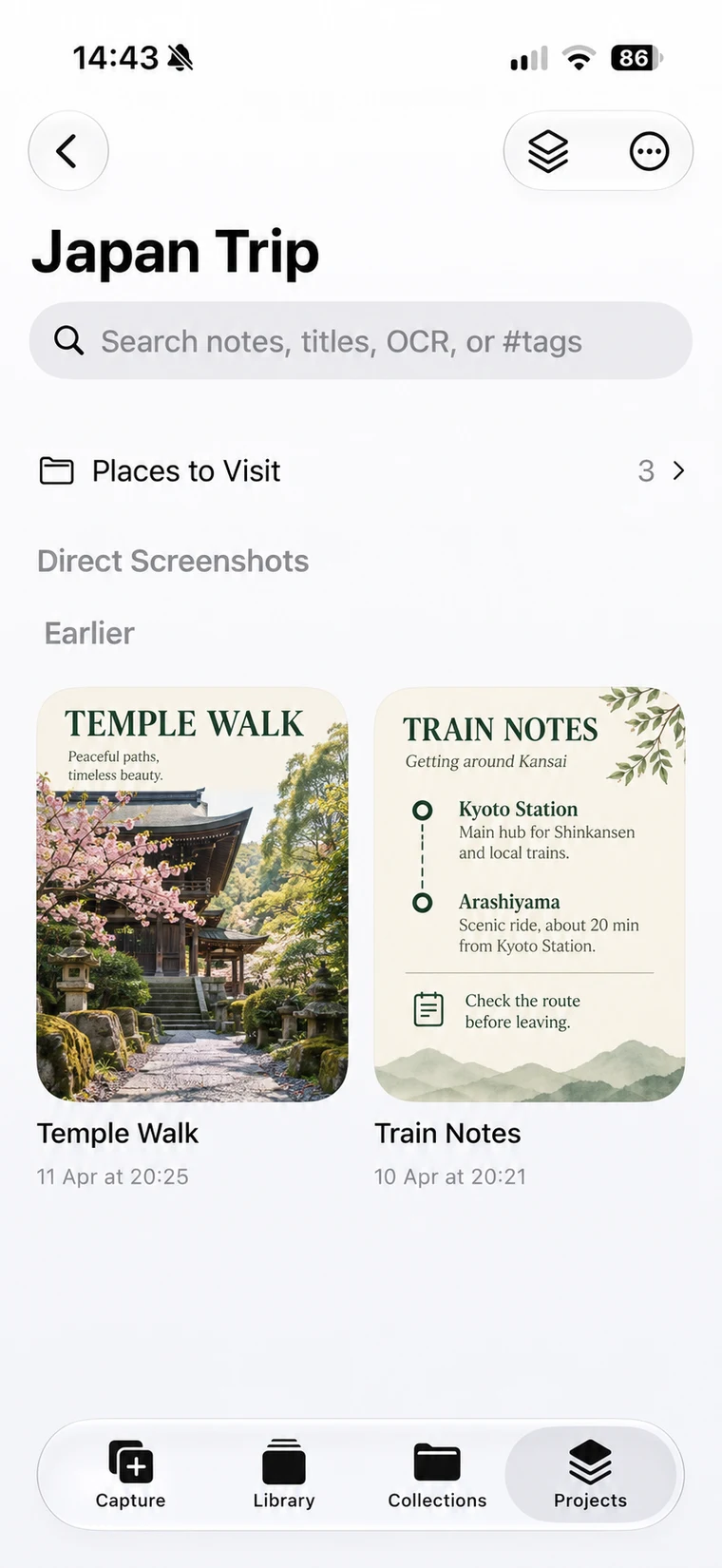
Bring Collections and individual cards together in Projects with ShotMark Pro.
Your Apple devices
Capture on iPhone. Spread out on iPad. Revisit on Mac.
Your screenshot library, with room to think.
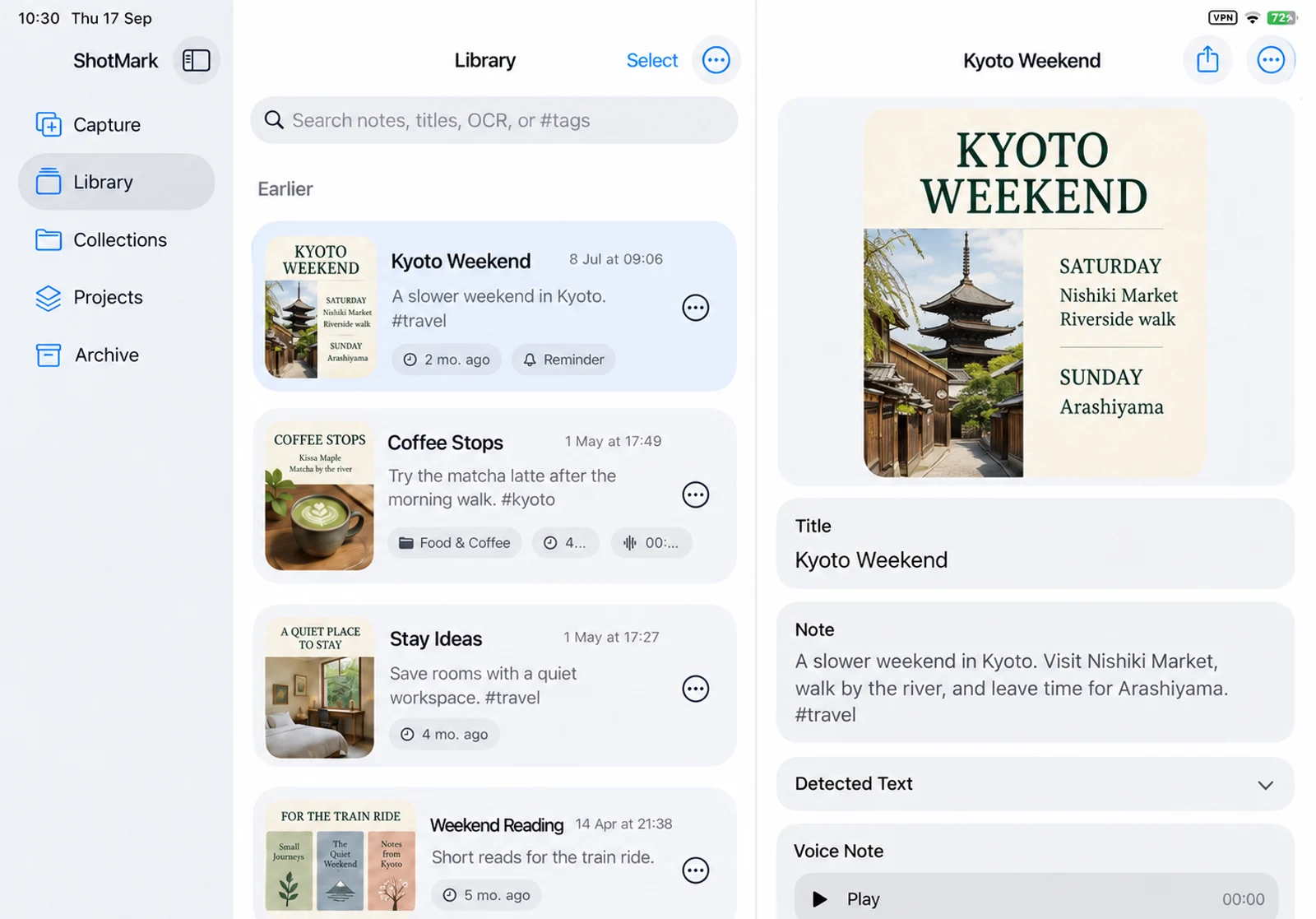
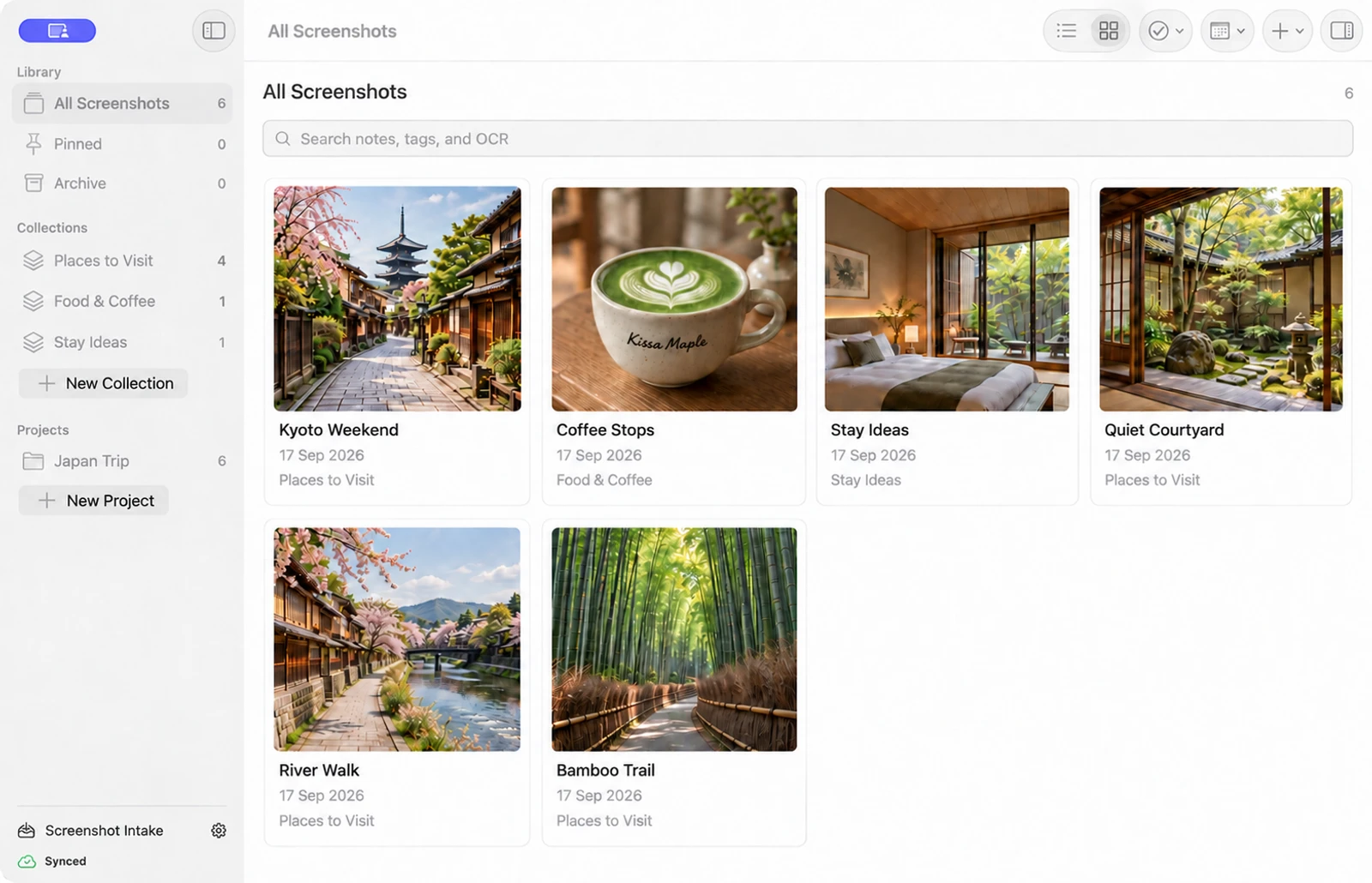
Optional iCloud sync with Pro on the platforms you use. About sync
Product previews show illustrative sample content.
Cards stay on your device by default. Text recognition happens on device. Optional iCloud sync uses your Apple account.
No ShotMark account. No ads. No third-party tracking.
Read our privacy policySimple from the start
Try the everyday essentials.
Unlock Pro with a one-time in-app purchase when you need it.
| FreeThe everyday essentials. | ProMore room. More possibilities. | |
|---|---|---|
| Saved cards on iPhone & iPad | 12 cards | Unlimited |
| Saved cards on Mac | Unlimited | Unlimited |
| Notes, voice memos & reminders | Included | Included |
| Collections | Included | Included |
| Grid & List browsing | Included | Included |
| Search titles, notes & #tags | Included | Included |
| Pin, Archive & bulk Collection moves | Included | Included |
| Projects | Not included | Included |
| Search text inside screenshots | Not included | Included |
| Optional iCloud sync | Not included | Included |
| Screenshot exports | Watermarked | Watermark-free |
Start free. Unlock Pro once.
No subscription.
The 12-card limit on iPhone and iPad includes archived cards. Choose iPhone & iPad Pro, Mac Pro, or All Platforms Pro in the app. Features apply to the platforms covered by your purchase. See the app for current options and local prices.
On iPhone or iPad, open the screenshot and tap Share, then choose ShotMark. You can add context before saving. You can also import screenshots from Photos in the app. See saving help
ShotMark Pro lets you search the text inside your screenshots using on-device text recognition. Searching titles, notes, and #tags is available for free.
No. Start with the free app, then unlock Pro through a one-time in-app purchase. Choose coverage for iPhone and iPad, Mac, or all platforms. See current purchase options and local prices in the app.
No ShotMark account is required. Your cards are stored on device by default. Optional iCloud sync uses your Apple account and requires Pro on the platforms you use.

Give your screenshots a little context.
iOS & iPadOS 17.6 or later · macOS 14.6 or later
Available in 9 languages. Free to start.